.png?width=215&height=57&name=image%2011%20(1).png)
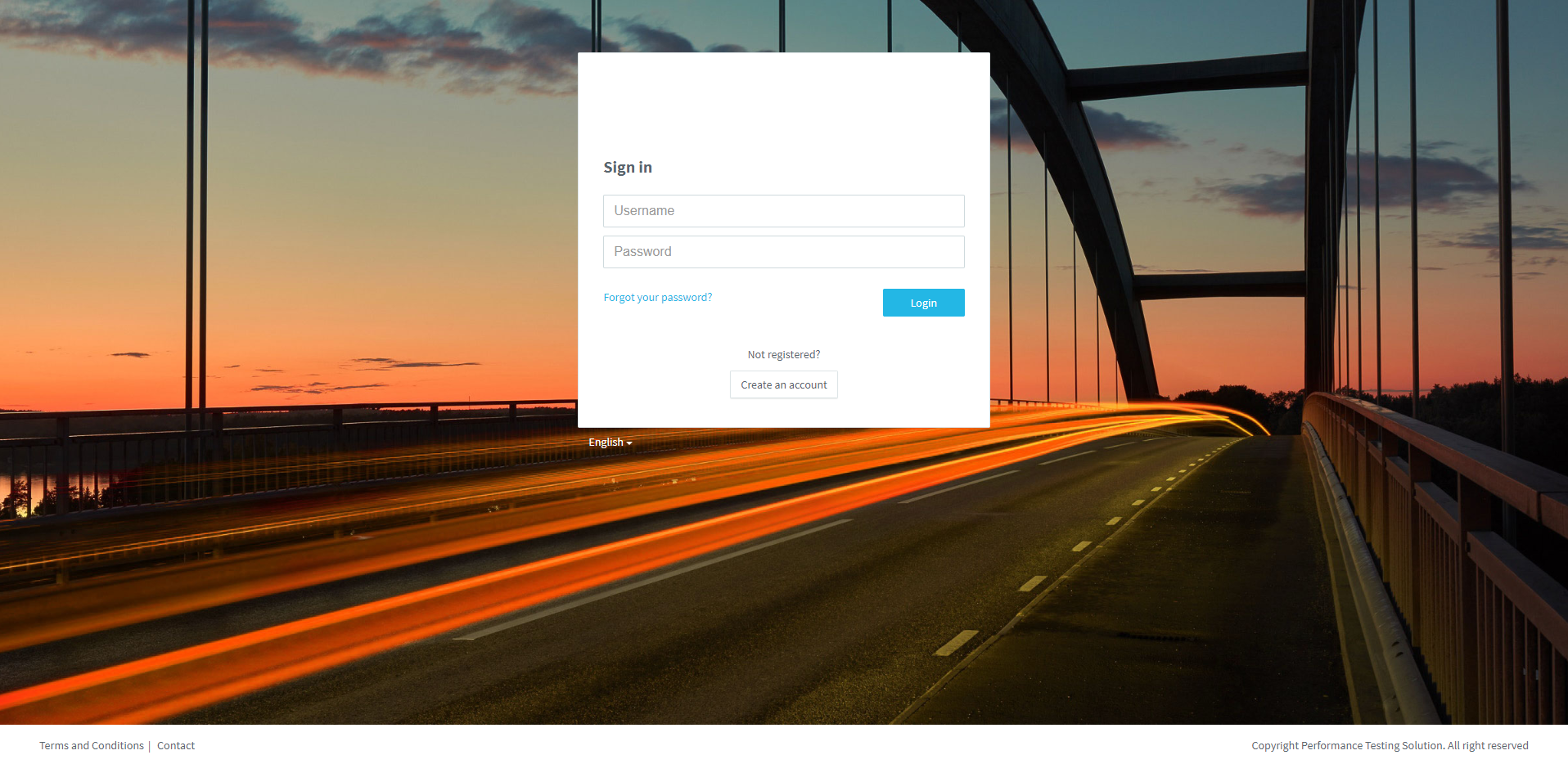
Access to your PLS.
1. Enter your Username & Password, and click on Login.
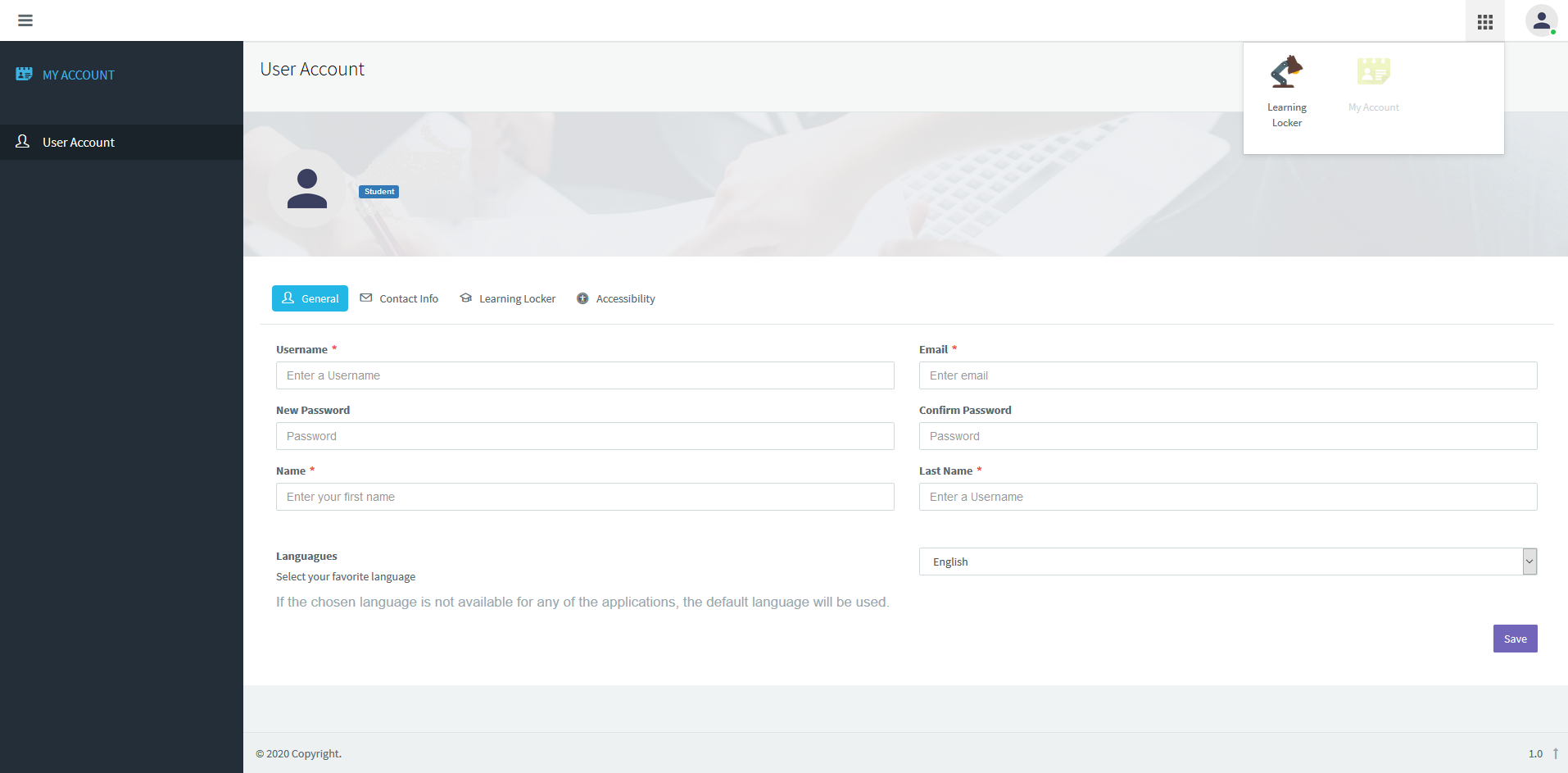
2. Click on the Tools icon and, later, click on Learning Locker.
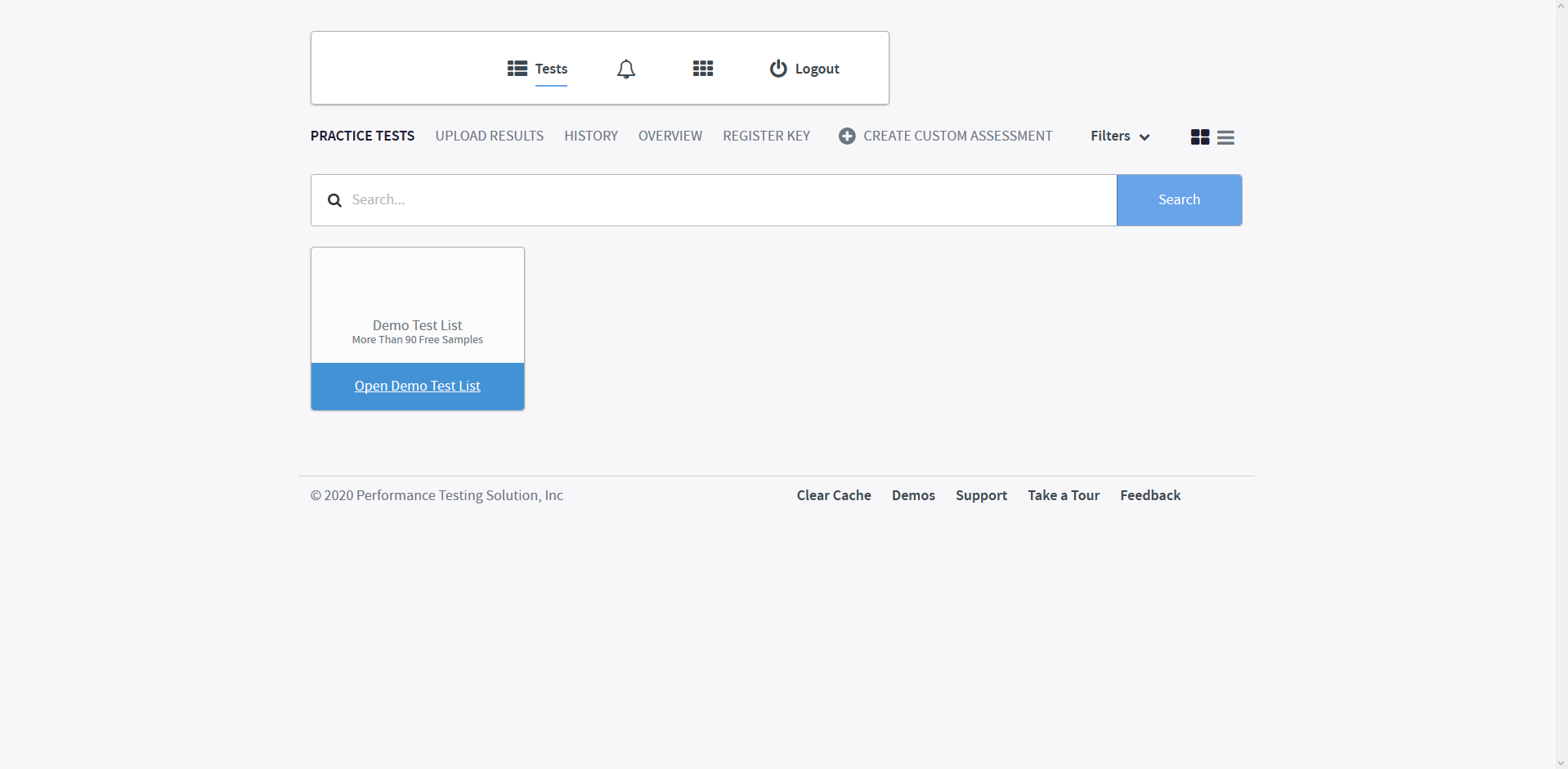
To unlock your product, you must first redeem a Product Key.
3. Click on REGISTER KEY.
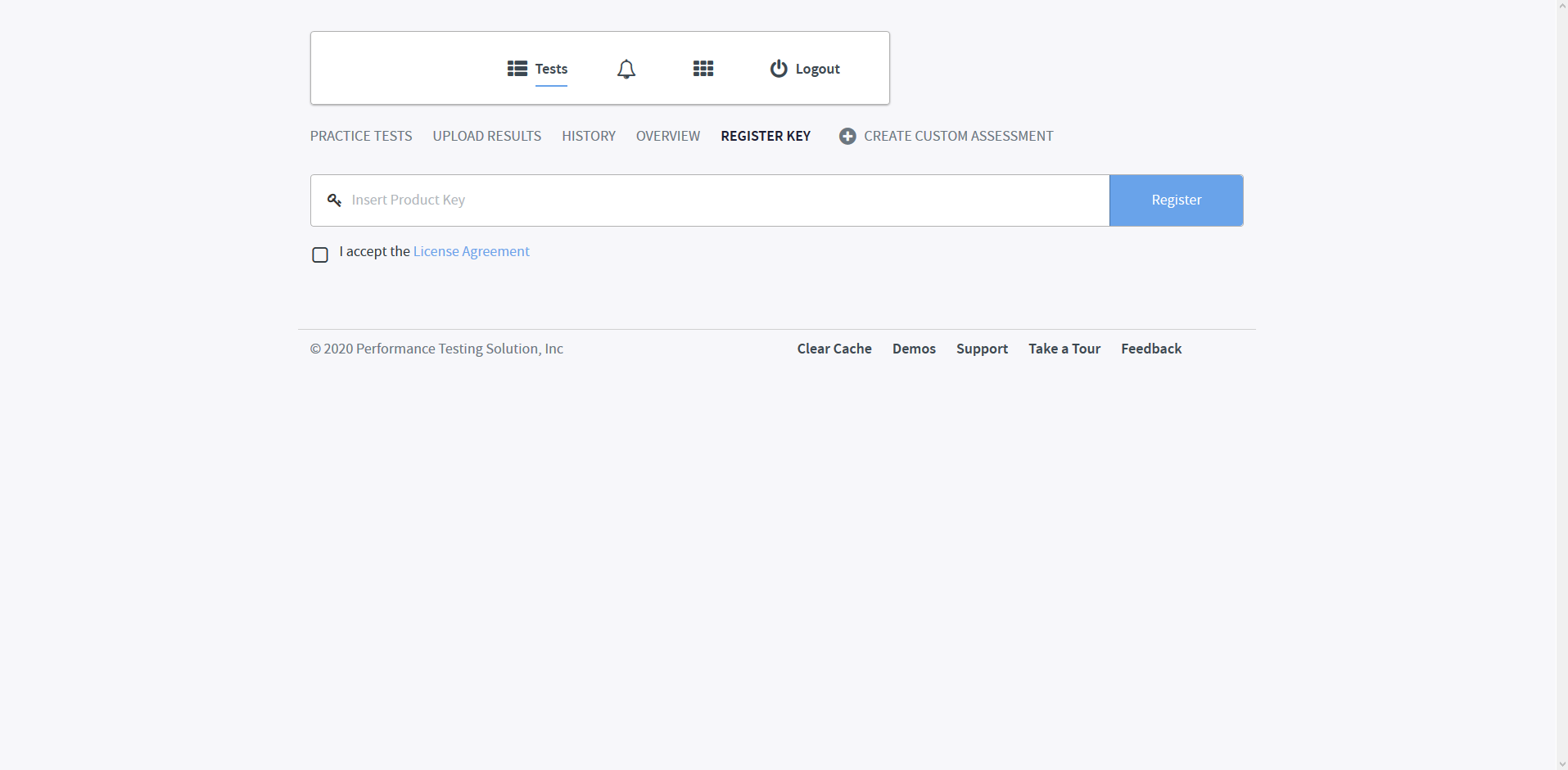
4. Enter your product key exactly as provided, read and accept the License Agreement and click on Register.
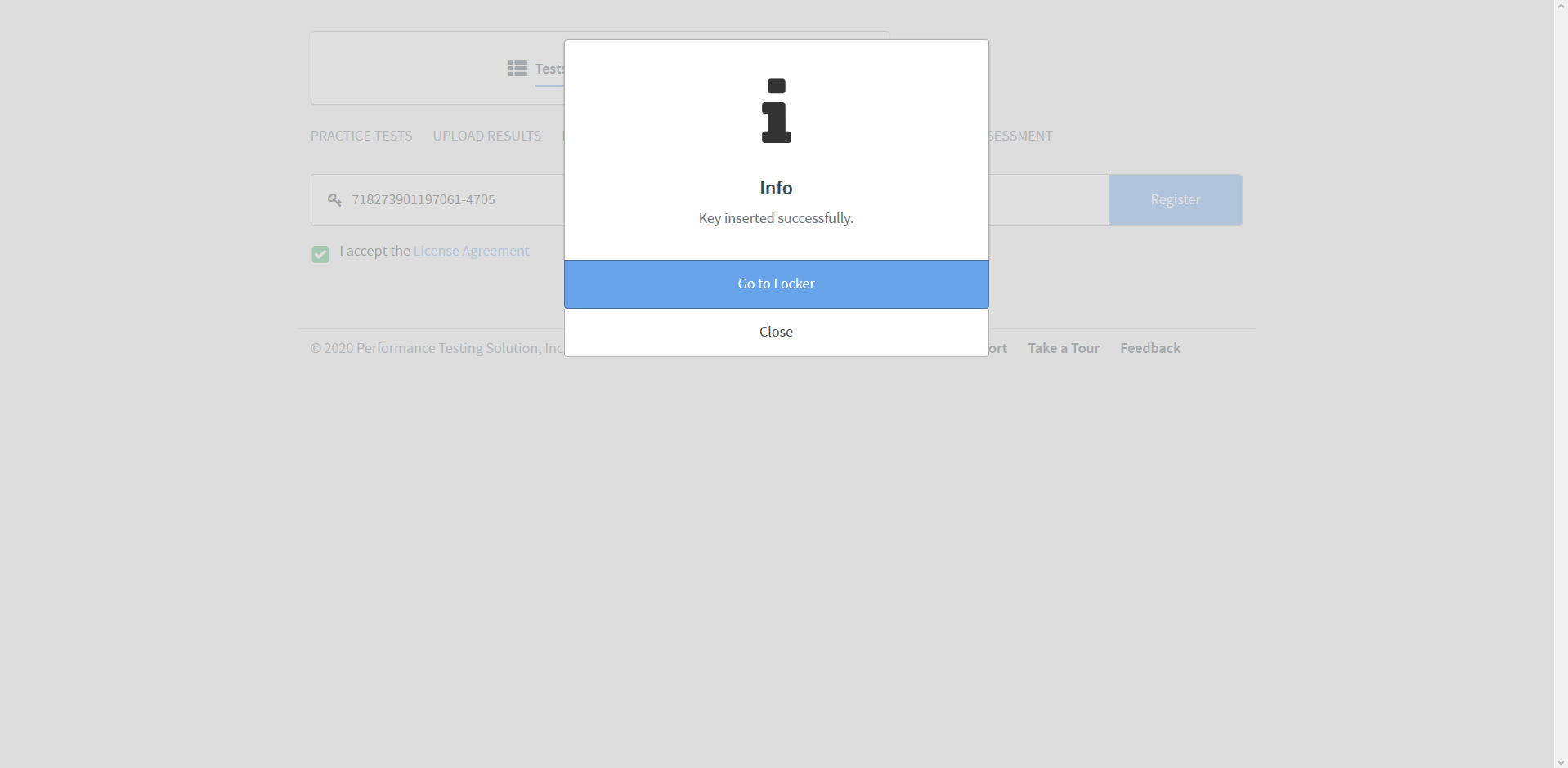
5. Click on Go to Locker
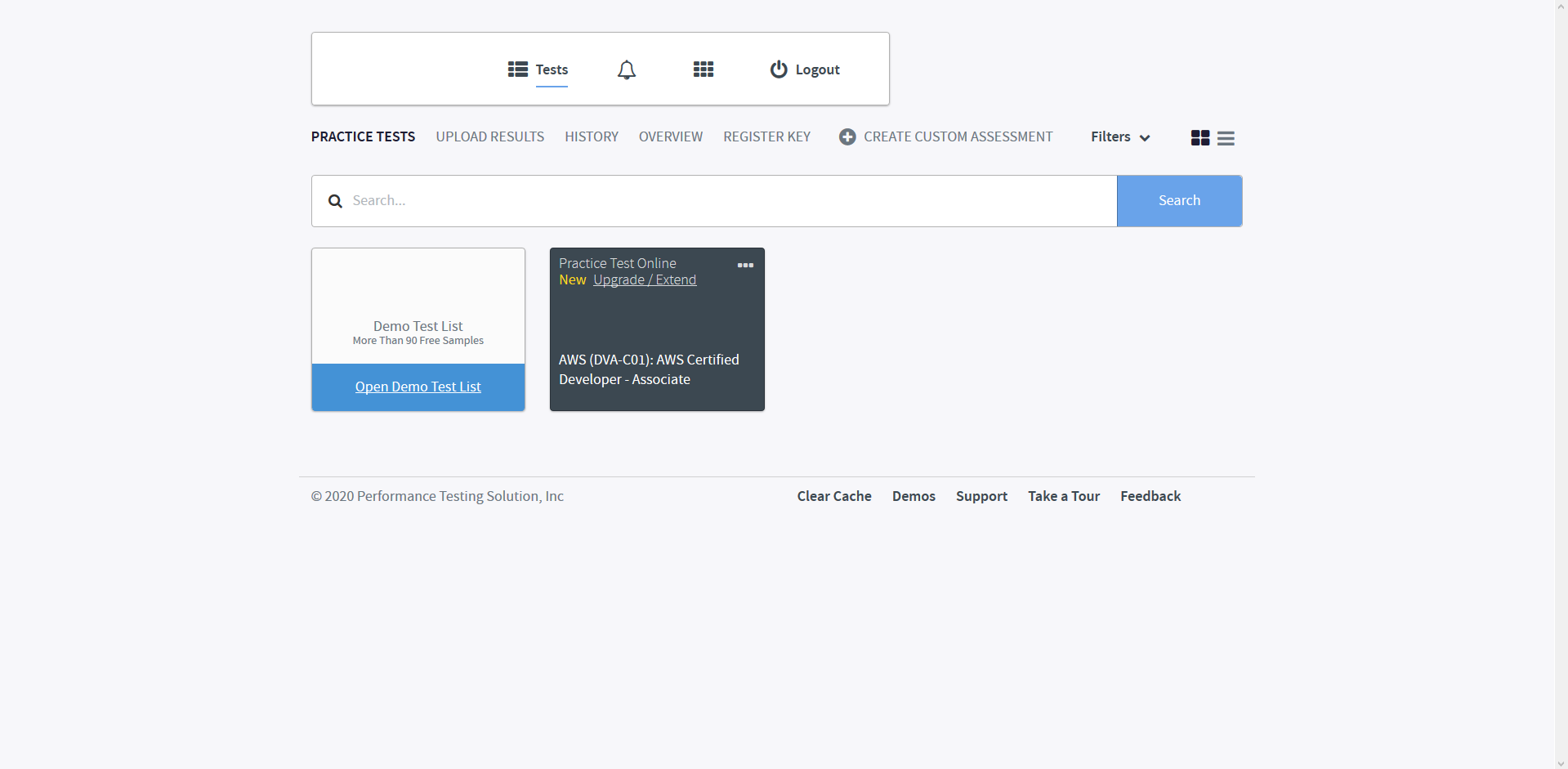
The product icon is shown.
To launch you must to click on the product icon.

Well done!
Would you like to create an account on Pedagoo?
Do you want to view again?
Do you want to know how to launch a test?