.png?width=215&height=57&name=image%2011%20(1).png)
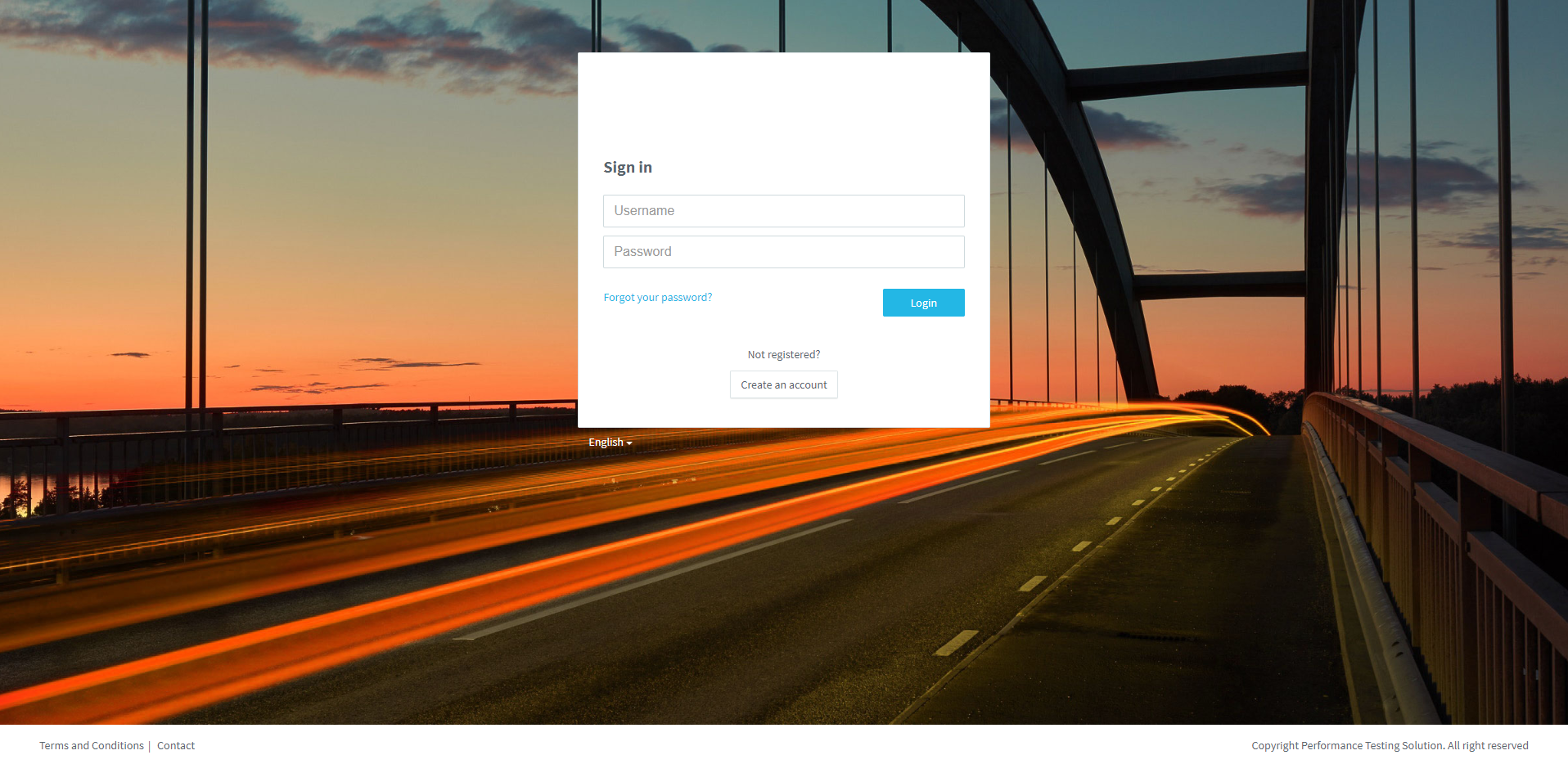
Creating an account is quick and easy. Just follow these step-by-step instructions:
1. Click on Create an account.
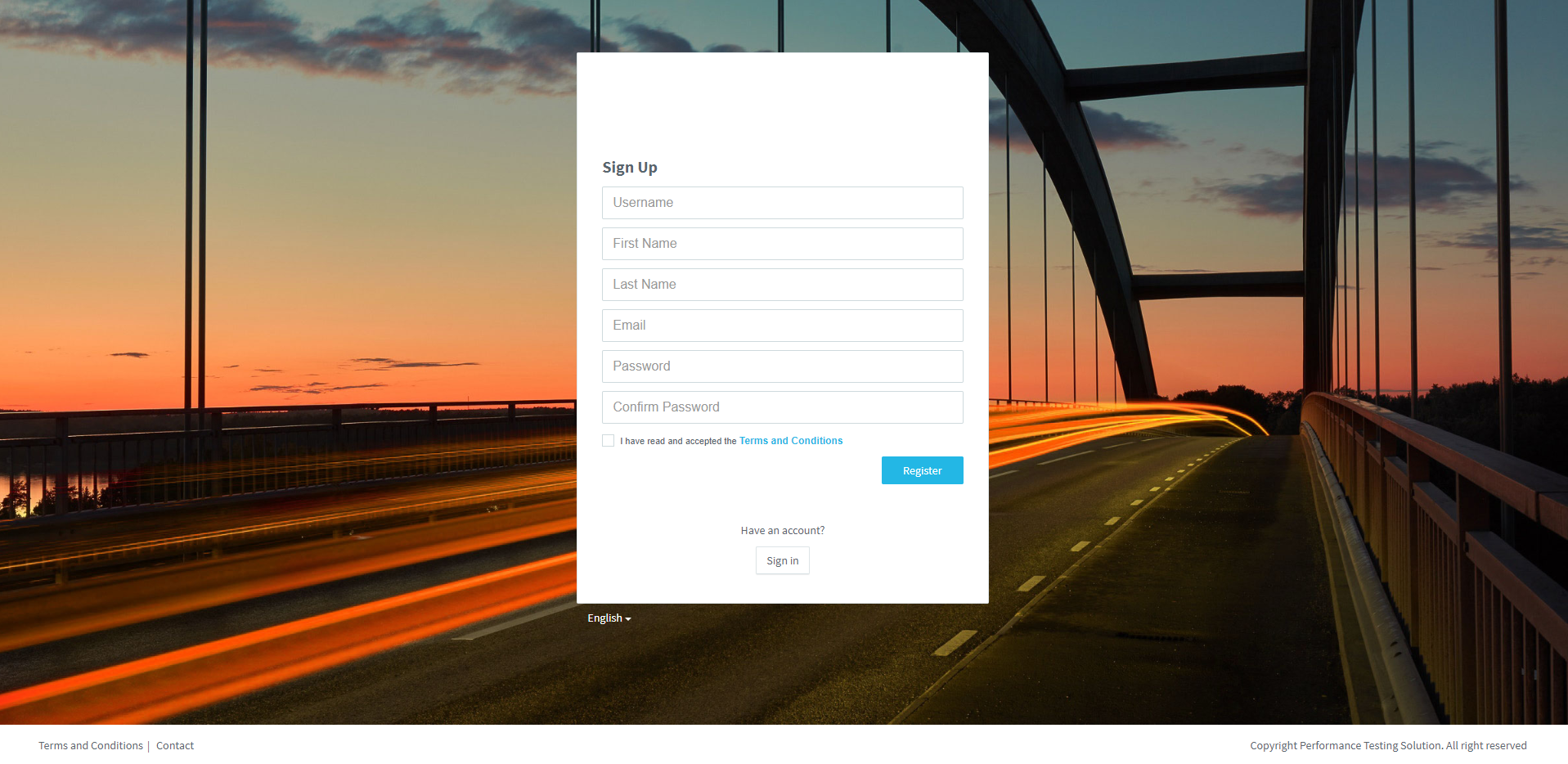
2. Fill all the fields, accept Teh Terms and Conditions and click on Register.
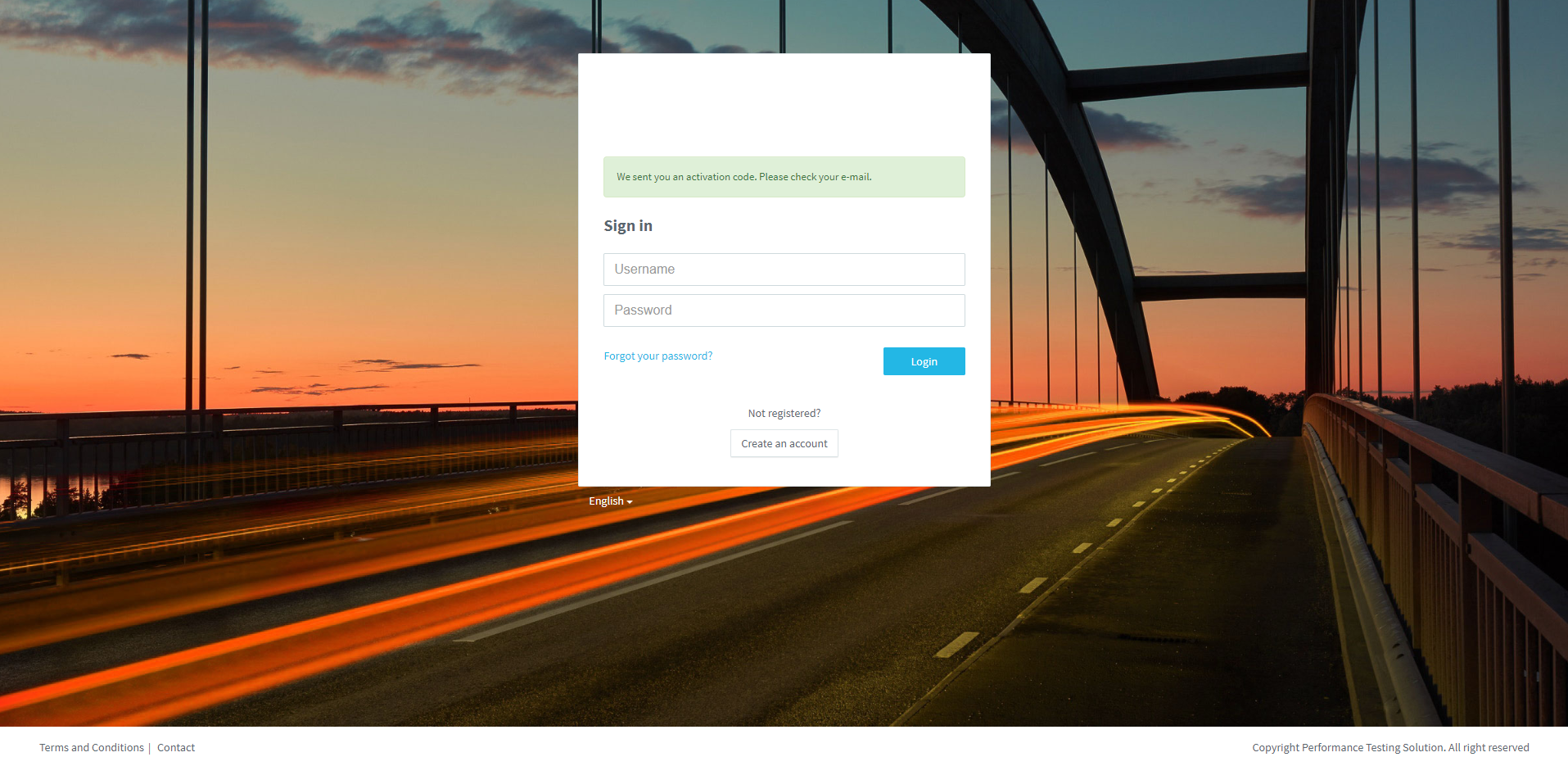
An email with the activation code is sent to validate your account.
Check your e-mail.
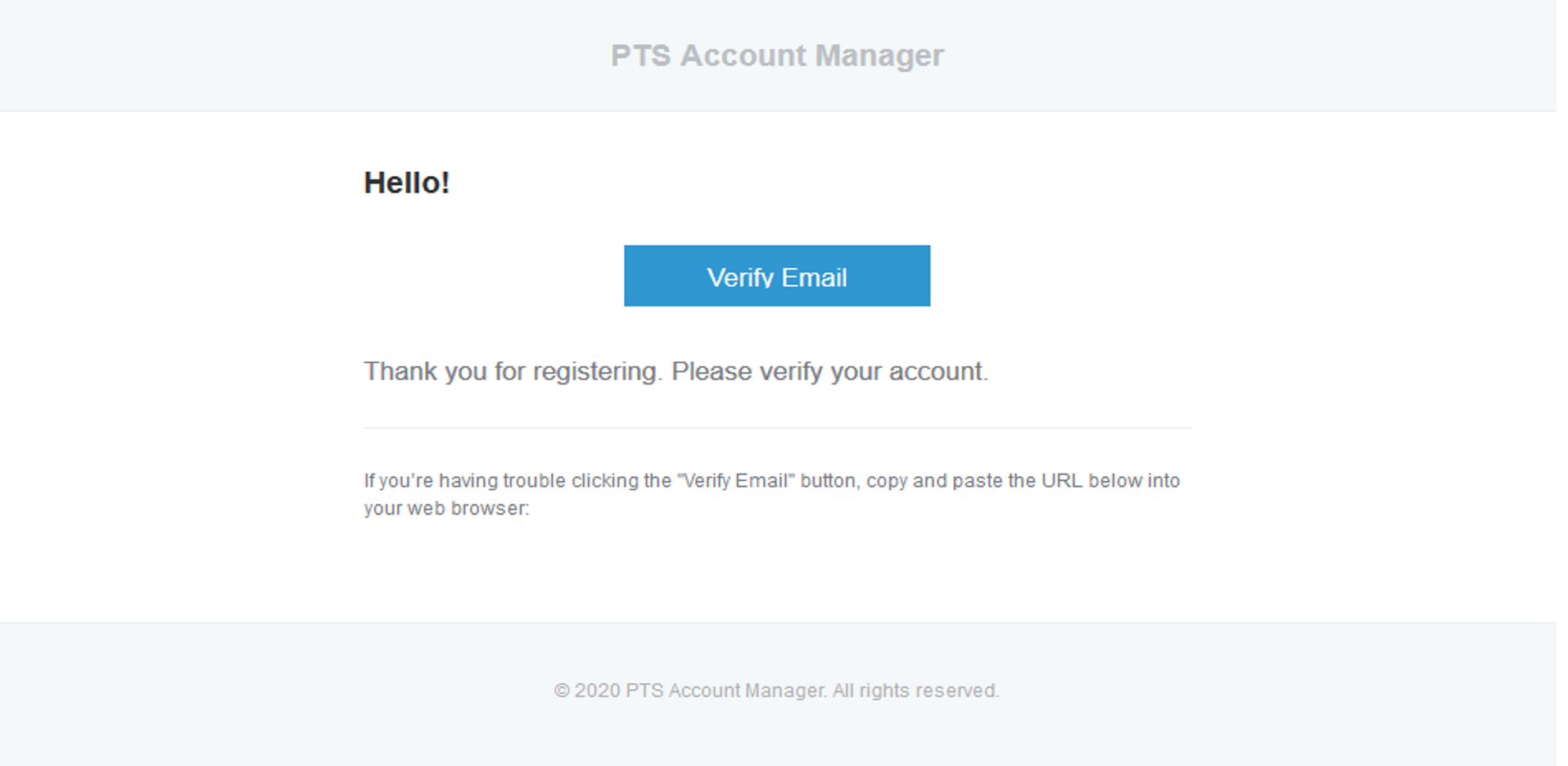
3. Click on Verify e-mail.
The account is now validated.
4. Access to your PLS, type your Username & Password, and click on Login.

Well done!
Would you like to create an account on Pedagoo?
Do you want to view again?
Do you want to know how to register a key?